|
When a user clicks on your Livehelper button the message is routed to the available operator with the least calls in progress. If all operators are busy then the call is sent to the queue or 'Q List'. This list displays information about all the calls waiting to be answered. An operator has the ability to take one of these calls by clicking the Select A Client button. When an operator completes a call they automatically receive the next call in the queue.
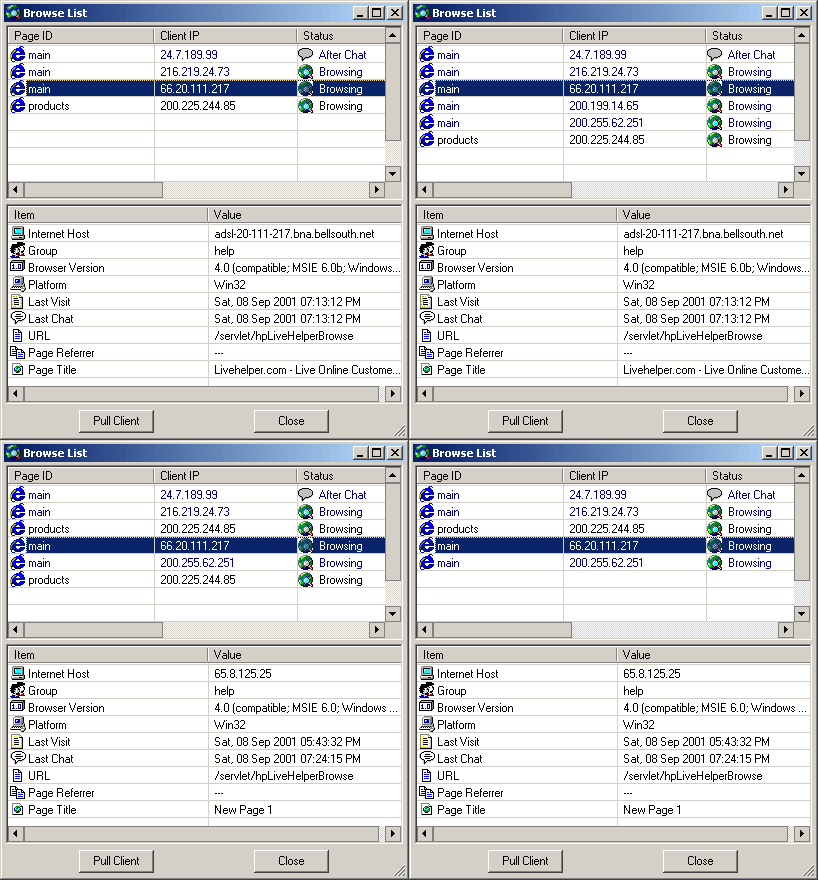
The Browse List shows users currently on your web site. If a user looks like he or she needs assistance they can be pulled in to a chat session by simply selecting the user on the Browse List and then clicking Pull Client.
|