|
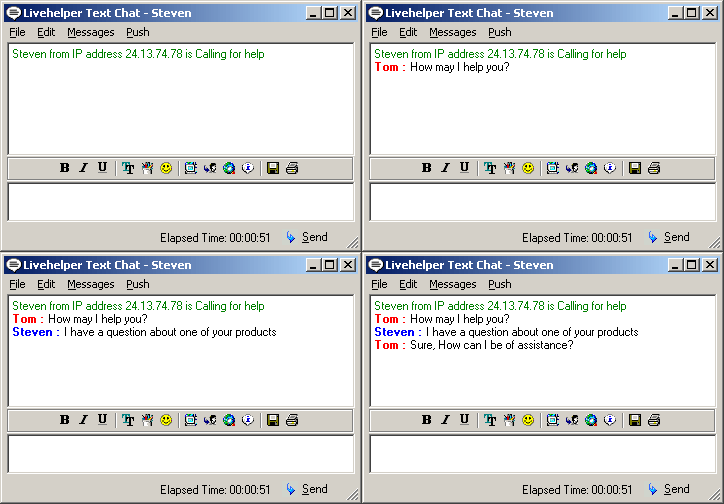
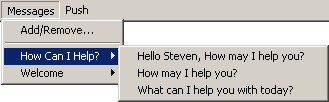
Displayed to the right is the screen an operator gets when a user from the site contacts them. A lot of information about the user is available to the operator. One of the biggest time savers are preset messages. Displayed below is an example of how preset messages work.
Also available to the operator is the ability to push the user to a specific web page. This allows operators instead of answering questions already on the company’s web site simply push the user to the page with the answer to his or her question and then start working with another customer. Click Here to see a demonstration of how push works.
Operators can also view what page a user has visited on the site and what page the user is currently on. Operators can leave notes about a user and read notes other operators have left. This allows for long term problem resolution so that instead of the user having to explain his or her problem 3 times, operators can simply look at the notes left by the previous operators the user has worked with.
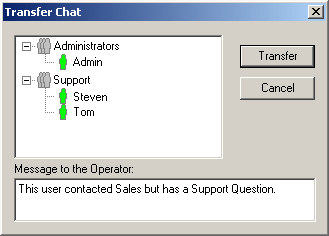
Finally operators can transfer calls to another operator or to an Administrator in the event that they are unable to assist the user. Transfers are conducted by simply clicking the transfer button and then selecting the operator to transfer the call to.
|